The 2026 Obsolete List: 5 "Computer Skills" You Should Remove From Your Resume
Still listing basic computer skills on your resume? In 2026, some computer skills are assumed. Learn what to remove and what modern, ATS-friendly replacements to use instead.

Web developer and digital systems writer helping students and professionals build modern, ATS-ready resumes.

The 2026 Obsolete List: 5 "Computer Skills" You Should Remove From Your Resume
 Outdated resume skills can quietly reduce your chances.
If your resume still lists:
- MS Office
- Internet browsing
- Typing
- Basic computer skills
You’re not helping yourself.
In 2026, these are not competitive skills.
They are baseline digital literacy — like knowing how to read and write.
Recruiters assume them.
ATS systems ignore them.
And they waste valuable resume space.
Let’s fix that.
Why Some “Computer Skills” Hurt Your Resume in 2026
Modern hiring assumes:
- You can use a computer
- You can communicate digitally
- You can navigate software
When you list obvious skills, recruiters often think:
- You are extremely junior
- Your resume hasn’t been updated
- You don’t understand modern workplace expectations
That’s not the signal you want to send.
If you're unsure what modern skills look like, read:
Read: → Fresher's Goldmine: The Only Computer Skills List for Resumes in 2026 (No Experience? No Problem)
Obsolete Skill #1: “MS Office”
 “MS Office” is too vague in 2026.
Why it’s outdated
“MS Office” tells recruiters nothing about:
- What tools you actually use
- Your level of proficiency
- How you apply them
Everyone claims it.
What to write instead
Be specific:
- Excel formulas & Pivot Tables
- Spreadsheet reporting
- PowerPoint presentation design
- Advanced document formatting
Specific skills improve ATS keyword matching.
Obsolete Skill #2: “Internet Browsing”
 Browsing is assumed. Research is a skill.
Why it’s obsolete
Browsing is not professional ability.
It’s basic behavior.
Replace it with:
- Online research
- SaaS platform navigation
- Web-based tool workflows
- Digital information verification
Now it sounds job-relevant.
If you're building digital confidence, read:
Read: → How to Learn Computer Skills at Home: A Step-by-Step Beginner Guide
Obsolete Skill #3: “Email”
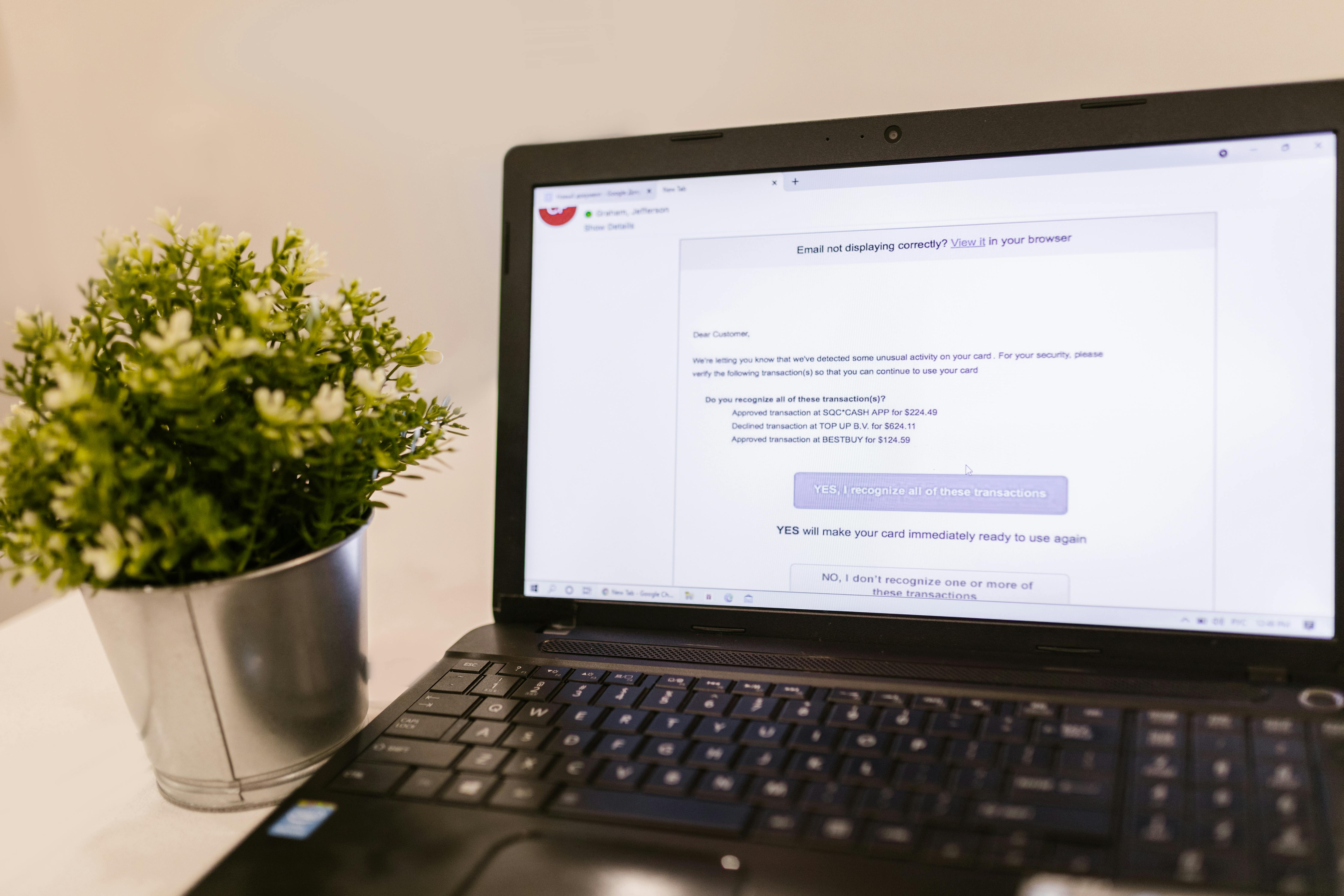 Email is assumed. Communication systems matter.
Why it no longer stands out
Email is a channel — not a competitive skill.
Recruiters expect basic email usage.
Write this instead:
- Professional client correspondence
- CRM-based communication
- Inbox workflow management
- Ticketing system handling
That shows scale and structure.
For interview preparation, read:
Read: → Describe Your Computer Skills – How to Ace This Interview Question in 2026
Obsolete Skill #4: “Typing”
Why it adds little value
Typing speed mattered years ago.
Today:
- Everyone types
- AI assists writing
- Output matters more than speed
Replace it with:
- Report writing
- Documentation creation
- Knowledge base maintenance
- Technical documentation
That signals thinking — not just keystrokes.
Obsolete Skill #5: “Basic Computer Skills”
This one is dangerous.
It implies:
- Entry-level ability
- Limited confidence
- No specialization
Replace with modern language:
- Cloud file management
- Remote collaboration tools
- SaaS application usage
- Operating system navigation (Windows/macOS)
This sounds current and credible.
Old Resume vs 2026 Resume
Old Version:
Basic computer skills, MS Office, Email, Internet browsing
2026 Version:
Excel formulas & reporting, Cloud file management, Remote collaboration tools, SaaS platform navigation
Same person.
Completely different perception.
How ATS Systems Interpret This
ATS software scans for:
- Tool names
- Actionable phrases
- Role-relevant keywords
It ignores:
- Generic claims
- Obvious abilities
- Vague skill categories
Specific language = better match score.
If You’re a Fresher
Don’t hide behind generic terms.
Instead write:
Built reports using Excel formulas and charts.
Managed group projects using Google Workspace and shared cloud folders.
That’s stronger than any “basic computer skills” phrase.
If you’re starting from zero, first build fundamentals:
Quick Replacement Cheat Sheet
| Remove This | Replace With This |
|---|---|
| MS Office | Excel formulas, PowerPoint design |
| Internet browsing | Online research, SaaS tools |
| Professional communication systems | |
| Typing | Documentation writing |
| Basic computer skills | Cloud & system operations |
Final Thoughts
In 2026, resumes are evaluated fast:
- Software reads them first
- Humans scan them second
Every line must earn its place.
If a skill is:
- Obvious
- Assumed
- Vague
Remove it.
Replace it with specific, modern, job-relevant language — and your resume immediately looks sharper, newer, and more credible.
This guide reflects current ATS and hiring practices in 2026. Requirements vary by role and industry.
Keep learning
Practice task
- Create a folder named Work Practice.
- Create three subfolders: Documents, Images, Downloads.
- Open Google Docs or Microsoft Word.
- Write a short paragraph about yourself.
- Save the file inside Documents.
Topics
Frequently Asked Questions
What are basic computer skills?
Basic computer skills include typing, using a mouse and keyboard, managing files and folders, browsing the web, using email, and working with simple documents or spreadsheets.
What computer skills should I put on my resume?
Add skills that match the job, such as Microsoft Word, Excel, Outlook, file management, data entry, online research, video meetings, and cloud storage.
Can I learn computer skills without a course?
Yes. You can learn computer skills with free guides and steady practice, especially when you use real tasks like creating folders, writing documents, and sending emails.
How long does it take to learn basic computer skills?
Many beginners can learn the basics in a few weeks with regular practice, then improve through daily use at school, work, or home.
Continue learning
Related posts
What Are Computer Operation Skills in 2026?
Master essential computer operation skills that make marketers, HR, and managers unstoppable in the digital workplace.
Read guide15 Professional Alternatives to 'Computer Skills' on Your 2026 Resume
Struggling to label your computer skills section? Discover 15 professional alternatives with practical examples that improve ATS performance and resume clarity in 2026.
Read guideResume Keywords Decoded: The Exact Computer Skills Phrases ATS Software Scans For in 2026
Learn the exact resume keywords for computer skills that ATS software scans for in 2026. Includes formatting tips, real examples, and what to avoid.
Read guide