How to Learn Computer Skills at Home: A Step-by-Step Beginner Guide
Learn computer skills from home with this practical step-by-step 2026 guide. Perfect for students and beginners starting from zero.

Web developer and digital tools creator helping beginners build strong digital foundations.
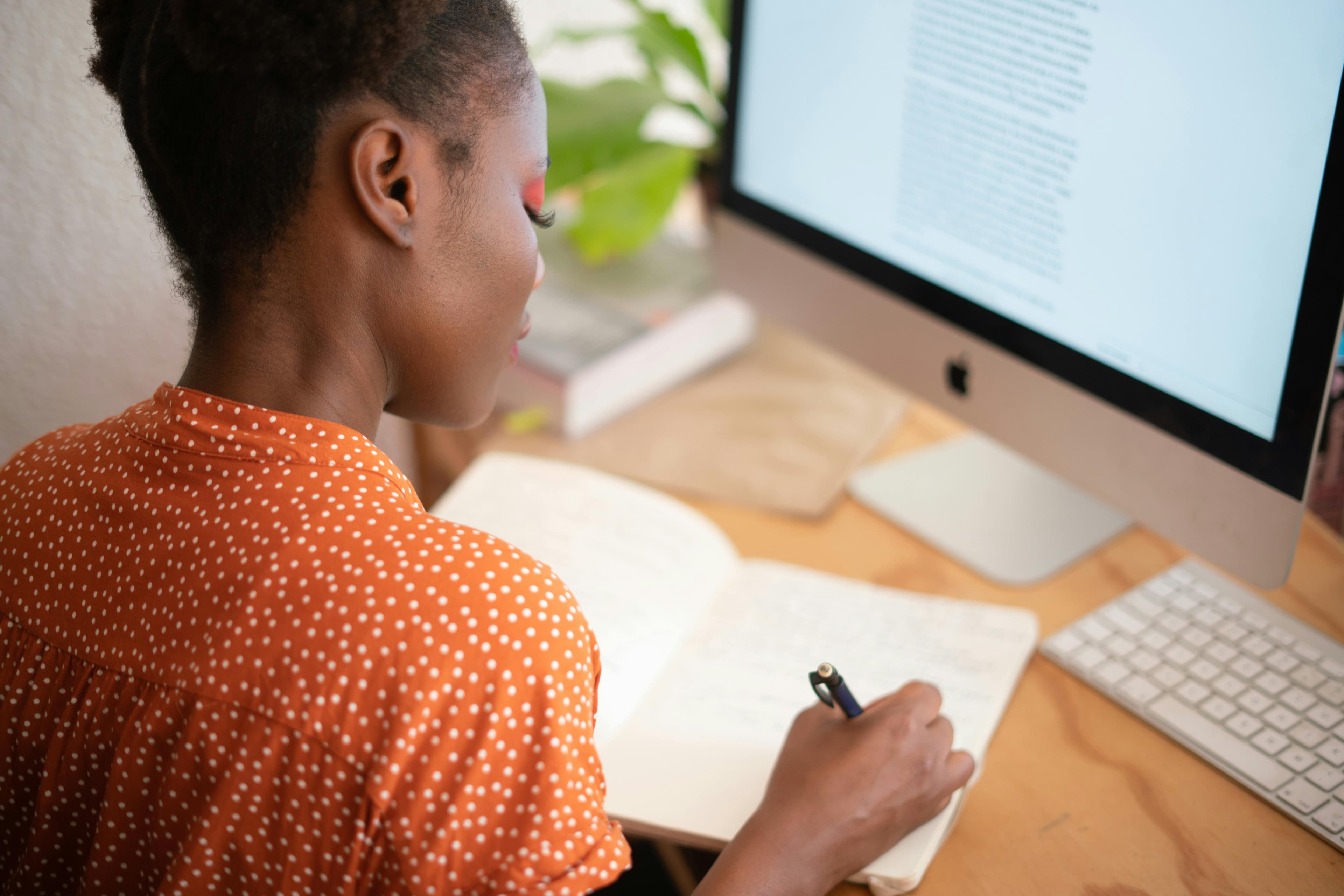
How to Learn Computer Skills at Home (Step-by-Step for Beginners)
Learning computer skills no longer requires expensive courses or physical classrooms.
In 2026, you need:
- A computer or laptop
- Internet connection
- A clear learning plan
- Daily practice
If you're starting from zero, this guide shows you exactly how to learn computer skills at home step by step, without confusion or overwhelm.
If you’re completely new, first read:
Step 1: Get Comfortable With Your Device
Before anything advanced, build confidence.
Practice:
- Turning the computer on and off properly
- Using the mouse smoothly
- Typing basic letters and numbers
- Opening and closing programs
- Adjusting volume and brightness
Your Goal
Feel relaxed using the device without fear of “breaking” it.
Confidence is the foundation of digital growth.
Step 2: Master File and Folder Management
Many beginners struggle because they cannot find their saved work.
Learn how to:
- Create folders
- Rename files clearly
- Move files between folders
- Delete unnecessary files
- Use the search bar
Practice Task
Create a folder called:
My Practice Files
Store everything you create inside it.
Organization builds professionalism early.
Step 3: Learn How to Use the Internet Properly
The internet is your classroom.
Practice:
- Opening a browser (Chrome, Edge, Firefox)
- Searching effectively on Google
- Opening multiple tabs
- Bookmarking useful websites
Also learn:
- How to recognize trusted websites
- How to avoid suspicious links
- How to download files safely
Digital confidence grows when you know how to search properly.
Step 4: Create and Use an Email Account
Email is required for:
- School applications
- Job applications
- Government services
- Remote work
Learn how to:
- Create a Gmail account
- Send and reply to emails
- Attach files
- Organize inbox messages
If you want to use email professionally, read:
Read: → Describe Your Computer Skills – How to Ace This Interview Question in 2026
Email skills directly impact job opportunities.
Step 5: Learn Basic Office Tools
These tools are used in almost every job.
1. Word Processor
Used to:
- Write documents
- Create letters
- Format reports
Examples:
- Google Docs
- Microsoft Word
2. Spreadsheet
Used to:
- Create tables
- Track expenses
- Organize numbers
Examples:
- Google Sheets
- Microsoft Excel
3. Presentation Tool
Used to:
- Create slides
- Present ideas clearly
Examples:
- Google Slides
- PowerPoint
Practice:
- Write a short 1-page document
- Create a simple expense table
- Make a 3-slide presentation
If you are preparing for job applications, read:
Read: → Fresher's Goldmine: The Only Computer Skills List for Resumes in 2026 (No Experience? No Problem)
Step 6: Practice Typing Daily
Typing speed saves time.
Practice 10–15 minutes daily.
Focus on:
- Accuracy first
- Speed later
After one month, you will see improvement.
Step 7: Learn Online Safety Basics
Digital responsibility is part of computer skills.
Understand:
- Strong password creation
- Two-factor authentication
- Phishing awareness
- Safe downloading
For deeper security awareness, read:
Read: → How to Create Strong Passwords You’ll Actually Remember
Step 8: Start a Small Personal Project
Learning becomes powerful when applied.
Try:
- Creating your resume
- Writing a short blog post
- Building a monthly budget spreadsheet
- Organizing study notes digitally
Small projects turn knowledge into real skill.
Step 9: Practice 30 Minutes Every Day
Consistency beats motivation.
Simple routine:
- 10 minutes typing
- 10 minutes document practice
- 10 minutes learning something new
Do this daily for 30 days.
Progress becomes visible.
Step 10: Move to Advanced Skills (Later)
Once basics feel easy, you can explore:
- Graphic design
- Website building
- Video editing
- Coding
- Data analysis
- AI tools
But do not rush.
Strong foundations make advanced skills easier and faster to learn.
Final Thoughts
You do not need expensive courses. You do not need a private teacher.
You need:
- A clear plan
- Daily repetition
- Patience
Start simple.
Stay consistent.
And soon, computers will feel like a natural tool in your hands.
Your future digital life starts at home — one small step at a time.
Keep learning
Practice task
- Create a folder named Work Practice.
- Create three subfolders: Documents, Images, Downloads.
- Open Google Docs or Microsoft Word.
- Write a short paragraph about yourself.
- Save the file inside Documents.
Frequently Asked Questions
What are basic computer skills?
Basic computer skills include typing, using a mouse and keyboard, managing files and folders, browsing the web, using email, and working with simple documents or spreadsheets.
What computer skills should I put on my resume?
Add skills that match the job, such as Microsoft Word, Excel, Outlook, file management, data entry, online research, video meetings, and cloud storage.
Can I learn computer skills without a course?
Yes. You can learn computer skills with free guides and steady practice, especially when you use real tasks like creating folders, writing documents, and sending emails.
How long does it take to learn basic computer skills?
Many beginners can learn the basics in a few weeks with regular practice, then improve through daily use at school, work, or home.
Continue learning
Related posts
What Are Computer Operation Skills in 2026?
Master essential computer operation skills that make marketers, HR, and managers unstoppable in the digital workplace.
Read guideThe 2026 Obsolete List: 5 "Computer Skills" You Should Remove From Your Resume
Still listing basic computer skills on your resume? In 2026, some computer skills are assumed. Learn what to remove and what modern, ATS-friendly replacements to use instead.
Read guide15 Professional Alternatives to 'Computer Skills' on Your 2026 Resume
Struggling to label your computer skills section? Discover 15 professional alternatives with practical examples that improve ATS performance and resume clarity in 2026.
Read guide